Otter.ai vs Fireflies vs Fathom: Best AI Meeting Assistant Compared (2026)
Quick Verdict
- Pick Otter.ai if: you want the most searchable meeting archive and live captions during the call itself.
- Pick Fireflies if: your meetings feed a CRM and you want summaries, tasks, and deal data pushed downstream automatically.
- Pick Fathom if: you want a genuinely free notetaker with unlimited recordings and don’t need team-wide search or CRM sync.
- Cheapest paid entry: Otter Pro at $8.33/user/month (billed annually)
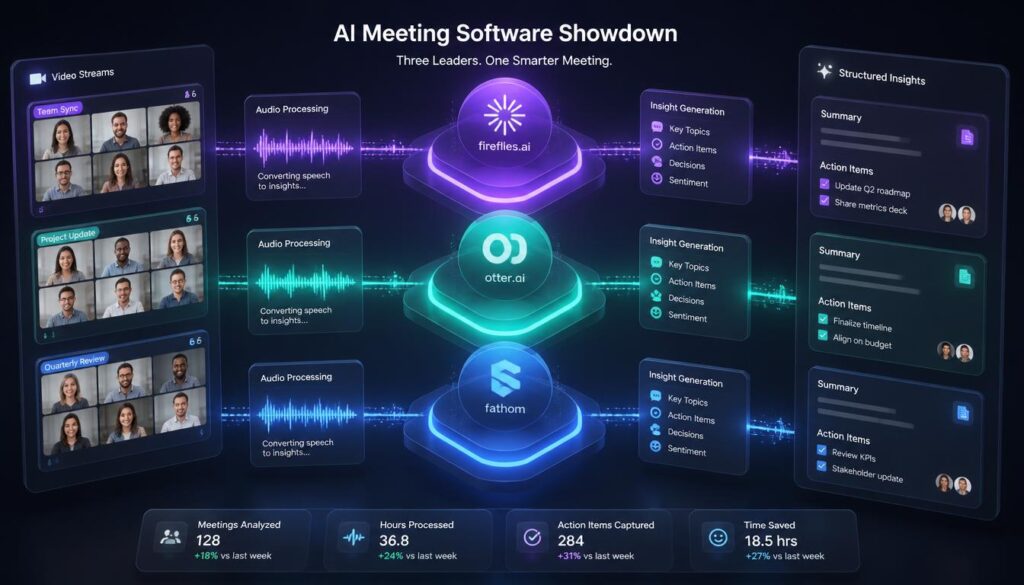
If you’ve been researching AI meeting assistants for more than five minutes, you’ve run into all three of these names. Otter.ai, Fireflies.ai, and Fathom all do the same basic job — join your call, transcribe it, and hand you a summary afterward — but they’re built around genuinely different priorities. Otter is built around the searchable archive. Fireflies is built around pushing meeting outcomes into your CRM. Fathom is built around a free plan that doesn’t feel like a trial. Picking the wrong one means paying for features you’ll never touch, or hitting a wall the exact week you need the one feature that’s gated behind a higher tier. Here’s how the three actually compare, tool by tool, so you can pick based on what you do in meetings — not on whichever one showed up first in your search results.
Otter.ai vs Fireflies vs Fathom: At a Glance
| Otter.ai | Fireflies.ai | Fathom | |
|---|---|---|---|
| Best for | Searchable meeting archive & live captions | Sales/CS teams needing CRM automation | Free, fast notes for solo users & small teams |
| Free plan | 300 min/month, 30-min/meeting cap | Unlimited transcription, 400 min storage/team (lifetime, not monthly) | Unlimited recordings, transcriptions & basic summaries — no cap |
| Cheapest paid tier | Pro: $16.99/mo ($8.33/mo billed annually) | Pro: $18/mo ($10/mo billed annually) | Premium: $20/mo ($16/mo billed annually) |
| Team tier | Business: $30/user/mo ($19.99 annually) | Business: $29/user/mo ($19 annually) | Team: $19/user/mo ($15 annually, 2-user min) |
| CRM sync | Enterprise only | Business tier and up | Business tier only |
| Conversation length cap (paid) | 90 min (Pro) / 4 hrs (Business) | 2 hrs (Free/Pro) / 3 hrs (Business) / 4 hrs (Enterprise) | No cap |
| Real-time in-call feature | Live captions for all participants | Live notes, no live captions | No live view; post-call only |
| Cross-meeting search | Excellent — Otter’s strongest feature | Good, gated to paid tiers for full history | Team-wide search on Team/Business tiers only |
Pricing verified against each vendor’s live pricing page as of August 2026. Annual billing is quoted per-month; check each vendor’s site for current monthly-billing rates, which run higher across all three.
Otter.ai: Best for Searchable Meeting Archives
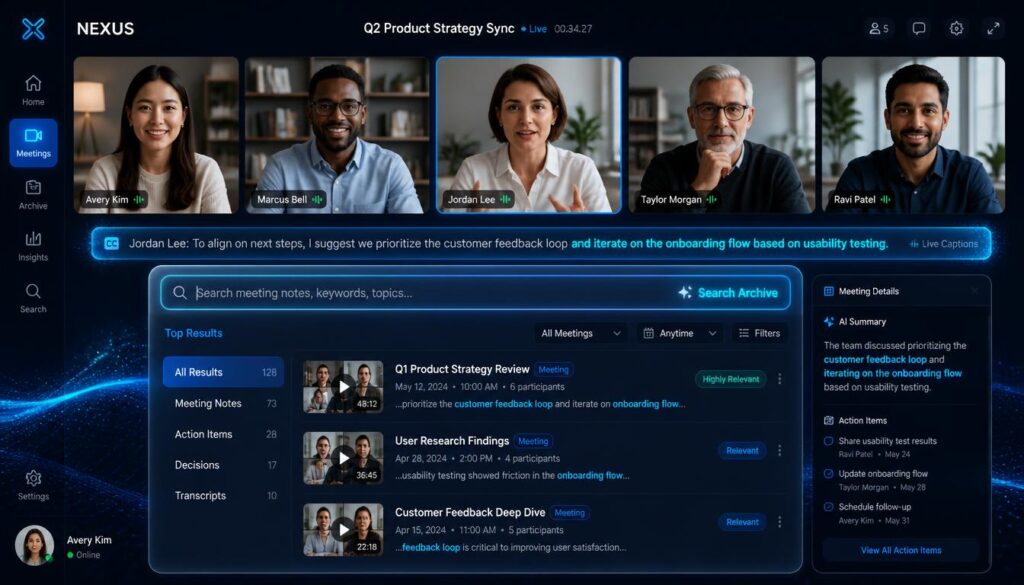
Otter has been indexing meetings longer than either competitor, and it shows in the one feature nothing else on this list matches: type a question like “what did we decide about the Q3 budget?” and Otter finds the exact moment, across your entire meeting history, with a timestamp and playback. It’s also the only one of the three offering live captions that every participant can see during the call itself — a real accessibility win, not just a nice-to-have.
- Strongest at: cross-meeting search and live, real-time captioning
- Free plan reality: 300 minutes a month sounds workable until you hit the 30-minute-per-conversation cap — most real meetings run 45–60 minutes and get cut off mid-sentence
- Watch out for: CRM sync (Salesforce, HubSpot) is locked behind the Enterprise plan, a real gap if sales workflows matter to you
Fireflies.ai: Best for Sales and CRM Workflows
Fireflies is built around what happens to a meeting after it ends. Its integration list runs past 50 tools, and the Business tier automatically pushes call summaries, action items, and deal-relevant notes straight into Salesforce or HubSpot records — no manual data entry. On top of that, its Conversation Intelligence layer gives sales managers talk-time ratios, monologue detection, sentiment scoring, and filler-word counts per rep, which is real coaching data most teams would otherwise pay a dedicated tool for.
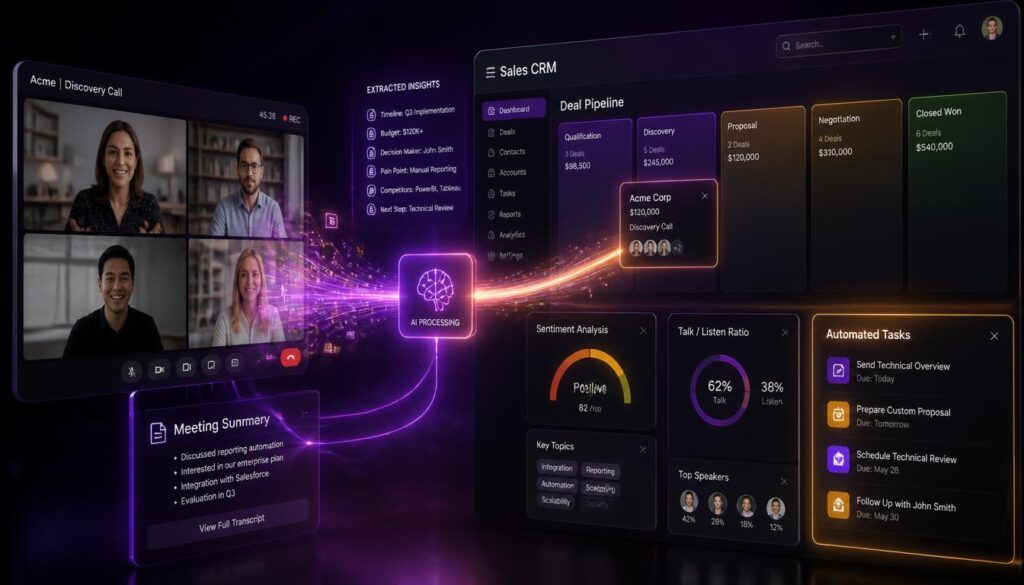
- Strongest at: CRM automation and sales-call analytics (Conversation Intelligence, Business tier)
- Free plan reality: unlimited AI summaries, but only 400 minutes of storage per team — and that’s a lifetime cap, not monthly, so a small team burns through it fast
- Watch out for: the deeper AI features (AskFred chat, Conversation Intelligence, Magic Soundbites) draw from a shared, one-time AI credit pool — 20 credits on Pro, 30 on Business — so “unlimited AI summaries” doesn’t mean unlimited everything
Fathom: Best Free Plan for Solo Users and Small Teams
Fathom’s free plan is the reason most people try it: unlimited recordings and transcriptions, forever, with no minute cap and no trial clock. That alone makes it the most generous free tier of the three. The catch is that the AI layer — advanced summary templates, AI action items, and the “Ask Fathom” conversational assistant — is capped at 5 summaries a month on Free (after a 30-day full preview), so the free plan is genuinely useful for recording but starts to feel thin once you want structured follow-ups on every call.
- Strongest at: a free tier that isn’t a disguised trial — unlimited recording and transcription with no time limit
- Free plan reality: advanced AI summaries, action items, and Ask Fathom are capped at 5 calls/month after your first 30 days, so heavy users will feel the wall
- Watch out for: team search, shared collaboration, and CRM field sync require the Team or Business tier — Fathom’s paid plans have a 2-user minimum, so a true solo team can’t buy into Team-tier features

Which One Should You Actually Pick?

Choose Otter.ai if…
- You need to search across months of past meetings for a specific decision or quote
- Live, on-screen captions during the call matter to your team (accessibility, non-native speakers)
- You’re an individual or small team without heavy CRM needs
Choose Fireflies if…
- Your meetings are sales or customer-success calls that need to land in a CRM automatically
- You manage reps and want talk-time, sentiment, and coaching analytics
- You’re comfortable managing an AI-credit budget for the deeper features
Choose Fathom if…
- You want a free tool you can actually keep using long-term, not a 14-day trial
- You’re a solo operator or a two-person team without a budget for meeting tools yet
- You don’t need cross-team search or CRM sync right now
Frequently Asked Questions
Which is the most accurate for transcription?
All three are close. Independent tests generally put Fathom and Otter slightly ahead on clean, single-speaker audio, with Fireflies a step behind on heavy cross-talk — but the gap is small enough that meeting audio quality (mic setup, background noise) usually matters more than which tool you pick.
Can I use more than one at the same time?
Technically yes, but most video platforms will show multiple notetaker bots joining the same call, which looks messy to other participants. Pick one as your default and keep a free account on a second tool only if you occasionally need a feature the first one doesn’t have.
Do any of them work without a visible bot joining the call?
Fathom has a bot-free capture mode in beta for Mac users; Otter and Fireflies currently join calls as a visible participant. If a visible bot is a dealbreaker for client-facing calls, that’s worth testing before committing to a paid plan.
Final Verdict
There’s no single winner here because these three tools are solving slightly different problems. If your priority is finding things you said in a meeting three months ago, Otter’s search is unmatched. If your meetings are revenue conversations that need to reach a CRM without manual entry, Fireflies pays for itself fast. And if you just want reliable, unlimited meeting notes without a subscription, Fathom’s free plan is the most honest offer of the three. Start with whichever matches your actual workflow today — all three offer a free tier or trial, so there’s no real cost to testing the one that fits before you commit to a paid plan.



Pingback: Notion AI Review: Features, Pricing, and Real-World Use Cases