Remote teams that “never meet” aren’t dysfunctional — they’ve just made a different trade. Instead of syncing through calls, they sync through writing: decisions, onboarding steps, and how-tos all live in one place, written once and read many times. The teams that pull this off well aren’t smarter or more disciplined than everyone else. They just treat documentation as the primary work product, not the leftover paperwork nobody gets around to.
This playbook picks up where Project Management for Remote Teams: How to Choose the Right System and How to Set Up a Project Management System That Actually Gets Used left off. A project management system tells you what’s happening and who owns it right now. Documentation-first ops answers the harder question: how does someone six months from now — or six time zones away — figure out why a decision was made, without having to ask?
The Framework
- Pick one tool to be the single source of truth, and stop letting decisions live in Slack threads
- Write decisions and processes down the moment they happen, not “when there’s time”
- Replace status meetings with structured async updates on a fixed schedule
- Assign an owner to every page so stale docs get caught instead of quietly rotting
- Reserve live calls only for real-time debate or relationship-building, never for information transfer
Time to set up: 1–2 weeks to migrate and set norms · Cost: $0 on free tiers for small teams, ~$5–20/user/month for a dedicated wiki as you grow · Skill level: no code required
Step 1: Pick One Single Source of Truth (and Retire the Rest)
Documentation-first ops fails immediately if “the docs” are scattered across four tools that all claim to be canonical. Before writing anything, pick one home for written knowledge and announce that everything else — old Google Docs, a stale Confluence space from a previous era, a pinned Slack message with “the real process” — is now archived or redirected into it.
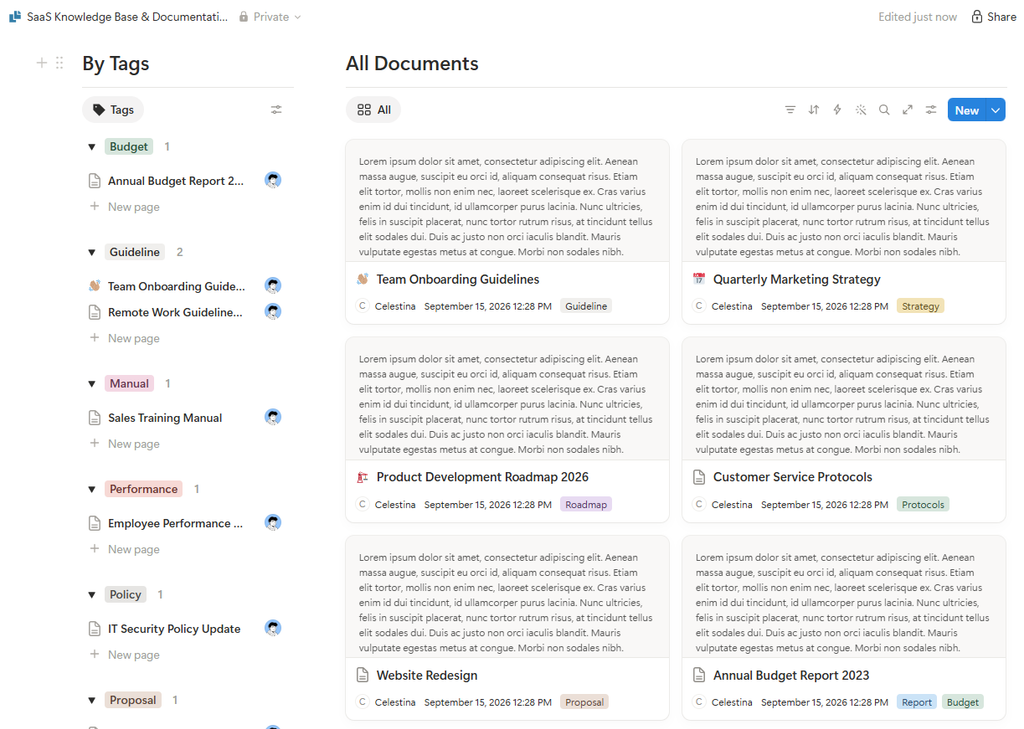
Notion is the default pick for most small remote teams: free for individuals, $10/member/month on the Plus plan for small teams, $20/member/month on Business if you want more admin controls and AI features. It’s flexible enough to hold both a wiki and lightweight project tracking, which matters if you’re already using it from the project management posts in this series.
If your team is deep in the Atlassian ecosystem (Jira for engineering, for example), Confluence is worth the switch cost: free for up to 10 users, then $5.42/user/month on Standard and $10.44/user/month on Premium for unlimited page history and storage. For teams that just want a dead-simple internal wiki without a big feature surface, Tettra and Slite are lighter, Slack-native alternatives worth a look — but don’t shop tools before you’ve agreed on the one-source-of-truth rule; the tool matters far less than the discipline.
Step 2: Write Decisions Down the Moment They’re Made
The single biggest failure mode in async teams isn’t a missing wiki — it’s a wiki that only gets updated during a scheduled “documentation day” that keeps getting pushed back. By then, half the context is already gone from people’s heads. The fix is to make writing the decision down part of making the decision, not a follow-up task.
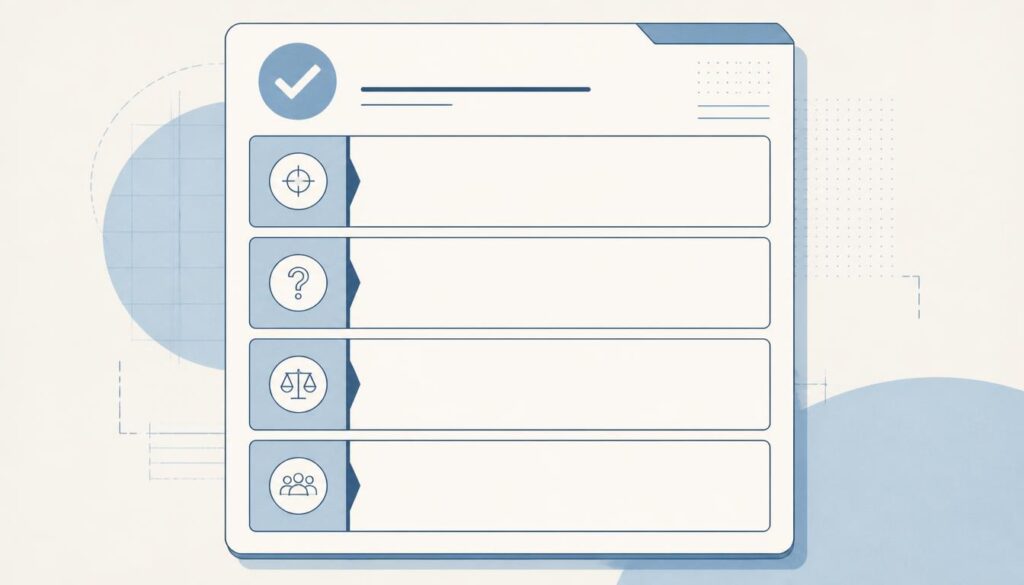
A simple pattern that works well: every non-trivial decision gets a short “decision doc” with four fields — what we decided, why, what we considered and rejected, and who to ask if this needs revisiting. It should take five minutes to write, not fifty. The “what we considered and rejected” field matters more than it looks: it’s what stops the same debate from resurfacing every few months because nobody remembers it was already settled.
Step 3: Replace Status Meetings With Structured Async Updates
Most recurring “status” meetings exist to answer three questions: what did you do, what are you doing next, and what’s blocking you. None of those need a live call — they need a template and a deadline. Set a fixed cadence (daily or 2–3x/week works for most teams) where everyone posts a short written update against that same template, in the same channel or doc, by a fixed time.
For anything that’s genuinely easier to show than to type — a UI walkthrough, a bug repro, a design review — a 2–3 minute Loom recording beats both a live call and a wall of text; people can watch it at 1.5x speed on their own schedule instead of blocking out a shared slot across time zones.
Step 4: Assign an Owner to Every Page
Unowned documentation is the reason wikis get a bad reputation — pages accumulate, nobody’s sure which ones are current, and eventually people stop trusting the wiki entirely and go back to asking in Slack. Every page needs a named owner responsible for keeping it accurate, plus a visible “last reviewed” date. It doesn’t need to be reviewed constantly — a quarterly pass where the owner either confirms it’s still accurate or flags it for a rewrite is enough to keep trust high.
Step 5: Reserve Live Calls for Debate, Not Information Transfer
“Never meet” doesn’t mean zero calls forever — it means calls are reserved for the small slice of work that genuinely benefits from real-time back-and-forth: resolving a live disagreement, working through an ambiguous problem together, or just building rapport on a team that never shares an office. Everything that’s really just one person transferring information to a group — updates, announcements, walkthroughs — belongs in writing or async video instead.
A useful gut check before scheduling any meeting: could this be a doc plus 24 hours of async comments instead? If the honest answer is yes, don’t send the invite.
Common Mistakes to Avoid
- Documenting after the fact instead of in the moment — context decays fast; write the decision doc the same day, not the same sprint.
- Letting three tools all claim to be “the wiki” — pick one and redirect or archive the rest, even if it’s a painful migration.
- No owner, no review date — unowned pages are how wikis become graveyards nobody trusts.
- Treating async updates as optional — if the written update is skippable, people will skip it and the meetings will creep back.
- Writing decision docs no one can find later — a flat, searchable structure with consistent titles matters more than a fancy layout.
FAQ
Do we need to ban all meetings to be “documentation-first”?
No. The goal is cutting meetings that only transfer information, not eliminating every call. Debate, brainstorming, and relationship-building calls still earn their place — they just shouldn’t be where decisions get recorded.
How do we get a team that’s used to Slack threads to actually write in the wiki?
Make the wiki easier than Slack for the specific thing people already need — searchability. When someone asks a question in Slack that’s already answered in the wiki, answer with a link instead of re-explaining. After a few weeks, people learn the wiki is faster than asking.
What’s the minimum viable version of this for a 3-person team?
A single free Notion workspace, a “Decisions” page with one entry per major call, and a daily async standup in Slack. That’s the whole system — no dedicated wiki tool needed until you’re past 8–10 people.
How do we stop the wiki from going stale?
Assign an owner to every page and put a quarterly review on the calendar. A page with a visible “last reviewed” date and a named owner rarely goes stale for long, because someone is explicitly on the hook for it.
The Bottom Line
Teams that “never meet” aren’t avoiding communication — they’re just moving it into a form that survives time zones, doesn’t require everyone’s calendar to align, and can be searched later instead of remembered. Pick one source of truth, write decisions down as they happen, replace status meetings with structured async updates, give every page an owner, and save live calls for the handful of things that actually need them. None of it requires a big tool budget — it requires treating writing as real work, not the thing you do after the real work is done.

Pingback: How to Onboard New Remote Hires in a Week | The Deskless Daily