AI Assistants for Remote Teams: From Chatbots to AI Coworkers in 2026
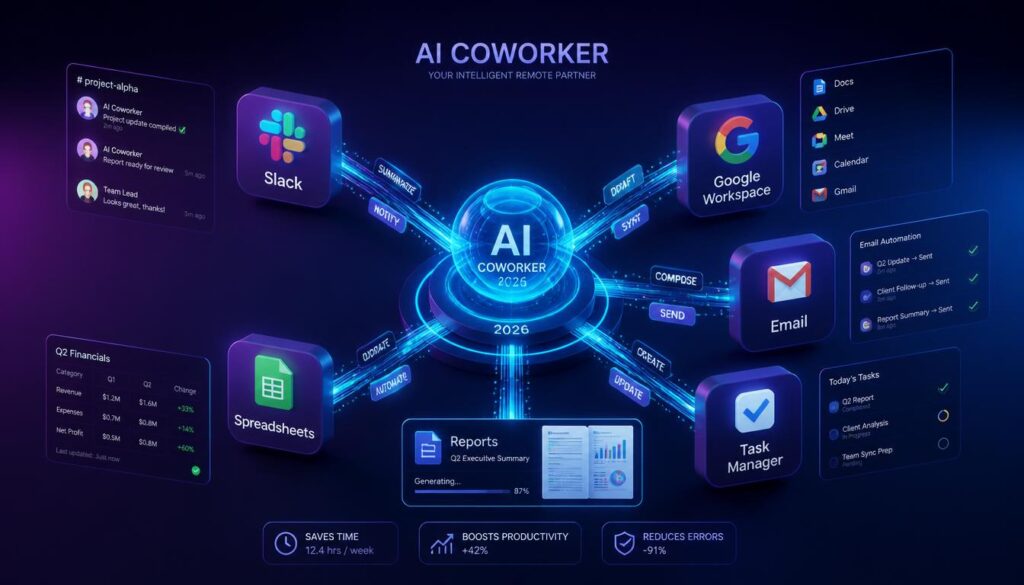
“AI assistant” used to mean a chatbot you copy-pasted prompts into and a chatbot that copy-pasted answers back. That era is over. The newest generation of AI assistants doesn’t just answer questions — it works: joining your Slack, reading your calendar, drafting the report, filling the spreadsheet, and sending the follow-up email, on its own. For remote teams especially, that shift matters more than almost any other tool category on this site, because it’s the difference between an assistant you have to operate and one that actually takes work off your plate. This guide breaks down what’s changed, the different tiers of “AI assistant” available today, and how to pick the right one for a distributed team.
This is the pillar guide for our AI Assistants series. We’ll follow up with deeper looks at specific tools in this space — check back here as we link new posts in.
Why Remote Teams Need AI Assistants More Than Anyone
A remote team doesn’t have a hallway, a shared office assistant, or someone who “just handles it” because they happen to be at their desk. Every task — scheduling, drafting, chasing status updates, formatting a deck — has to be explicitly owned by someone, or it doesn’t happen. That’s exactly the gap AI assistants are built to close:
- They work where your team already works. The best assistants live inside Slack or Teams instead of a separate browser tab, so nobody has to change how they communicate to get help.
- They cover time zone gaps. An assistant that can execute a task overnight — research, a first draft, a data pull — means a distributed team stops waiting on business hours to make progress.
- They reduce the “who does the boring part” problem. Someone still has to update the tracker, write the recap, format the report. An assistant that can just do it removes a whole category of unglamorous small tasks from someone’s plate.

The Three Tiers of “AI Assistant” (and Why the Difference Matters)
Not all tools calling themselves “AI assistants” do the same job. It’s worth being precise, because the tier you pick determines how much time you actually get back:
- Tier 1 — Chat assistants (ChatGPT, Claude, Gemini): You ask, it answers or drafts text, you copy the result into wherever it needs to go. Great for brainstorming, writing help, and quick research. It does not have access to your tools or take actions on its own.
- Tier 2 — In-app copilots (Notion AI, Microsoft Copilot, Google Gemini in Workspace): Built into a specific app to help you work faster inside that one tool — summarizing a doc, drafting an email reply, cleaning up a spreadsheet formula. Useful, but scoped to a single app and still needs you to kick off and steer every task.
- Tier 3 — AI coworkers (Viktor): Connects across your actual stack — Slack, email, docs, spreadsheets, project tools — and completes multi-step work end to end: research a topic and write the report, update the tracker and notify the channel, draft and format a document, follow up on an open thread. You give it a task in Slack the way you’d hand it to a teammate, and it comes back with finished work instead of a chat reply.

Most remote teams end up using a mix — a chat assistant for quick writing help, an in-app copilot inside whatever tool they live in most, and an AI coworker for the recurring, multi-step work that used to require someone’s actual attention every week.
Why We Use (and Recommend) Viktor
Full disclosure: The Deskless Daily runs on Viktor. It drafts posts like this one, keeps our content pipeline updated, and handles the small recurring admin work that used to eat into actual writing time. A few things stood out enough that we wanted to write about it directly rather than just mention it in passing:
- It lives in Slack, not a separate app. You @mention it or DM it like a coworker — no new interface to learn or tab to keep open.
- It connects to the tools you already use. Slack, email, Google Workspace, WordPress, spreadsheets, and thousands of other integrations, so it can actually complete a task rather than just describe how you’d do it.
- It remembers how your team works. Preferences, templates, and past decisions persist across tasks instead of re-explaining context every single time, the way you would with a plain chatbot.
- It can run on a schedule. Recurring work — a weekly digest, a status report, a content pipeline check — runs automatically instead of needing someone to remember to do it.
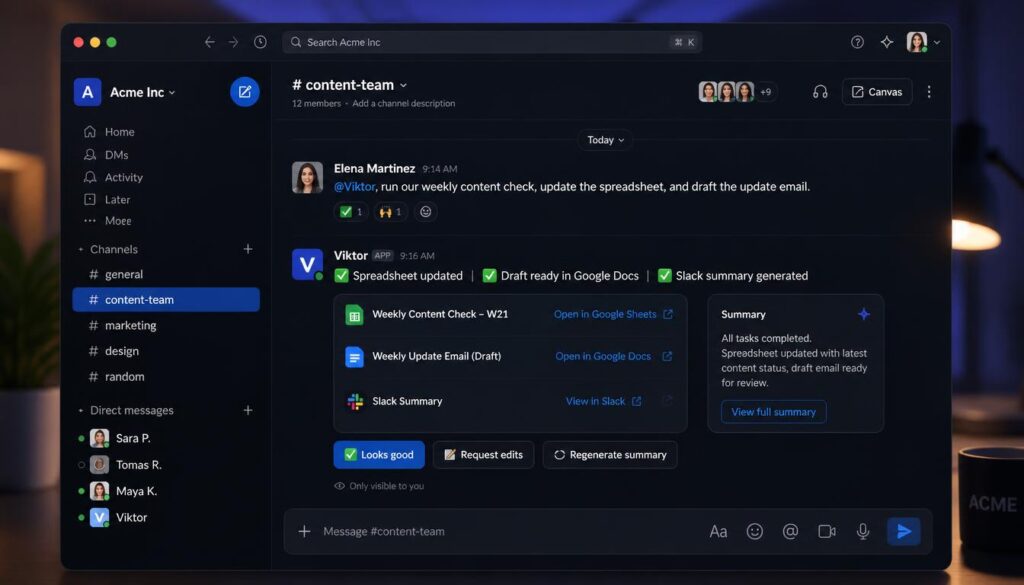
If you want to try it with your own team, you can get started here: app.viktor.com.
How to Choose the Right AI Assistant for Your Team
Before you add another tool, run it through these questions:
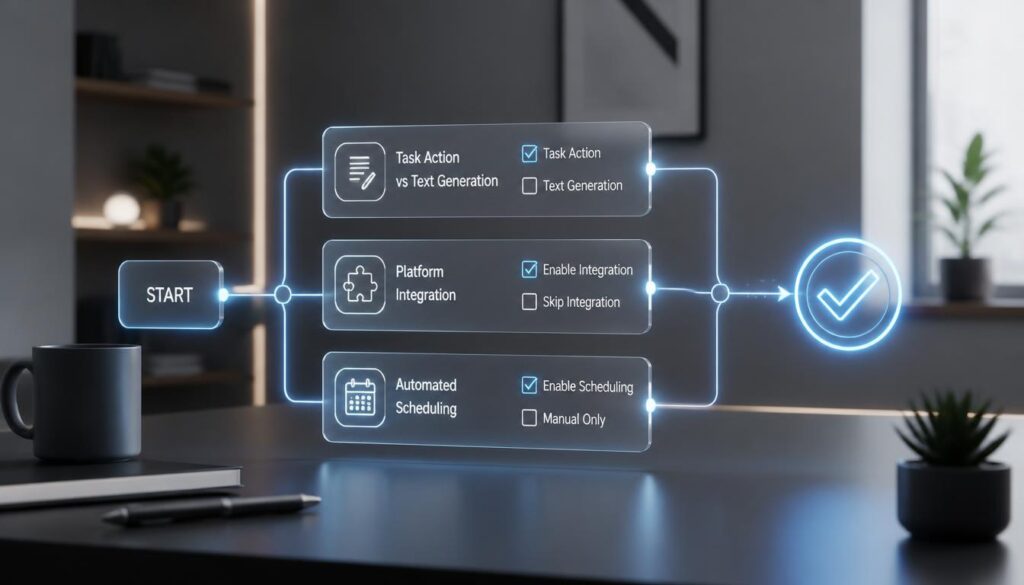
- Does it need to take action, or just generate text? If the goal is finished work — a sent email, an updated tracker, a published post — you need a Tier 3 assistant with real integrations, not a chatbot you’ll copy-paste from.
- Where does your team already communicate? An assistant that lives in your existing chat tool gets adopted; one that requires a new app to check every day usually doesn’t.
- How much of the work is recurring vs. one-off? Recurring, predictable work (weekly reports, status digests, content pipelines) is exactly what scheduled AI tasks are built for — look for a tool that can run on a cadence without a human kicking it off each time.
- Does it need to touch sensitive data or multiple tools at once? If yes, prioritize an assistant built with real integration permissions and access controls over a general-purpose chatbot with copy-paste workflows.
Final Verdict
“AI assistant” is a wide net that now covers everything from a chatbot in a browser tab to an AI coworker that runs actual work across your stack. For a remote team without an office to catch what falls through the cracks, the highest-leverage move isn’t adding another chat window — it’s adopting an assistant that can execute, remember context, and run recurring work on its own. That’s the tier we use ourselves, and it’s the one we’d point any remote team toward first.