Zapier Review: Is It Still Worth It in 2026?
Quick Verdict
- Rating: 4.2 / 5
- Best for: Solo operators and small teams who need to connect popular apps fast and don’t want to touch code
- Pricing starts at: $19.99/month for the Professional plan, billed annually (free plan: yes, 100 tasks/mo, 2-step Zaps only)
- Try it: Zapier official site →
Zapier has been the default answer to “how do I connect these two apps without hiring a developer” for over a decade, and in 2026 it’s still the first tool most remote teams and solo operators reach for. But its task-based pricing has become the most common complaint from long-time users, and cheaper visual-builder competitors like Make have gotten a lot more capable. So is Zapier still the right call, or are you paying a convenience tax you don’t need to pay anymore?
What Is Zapier?
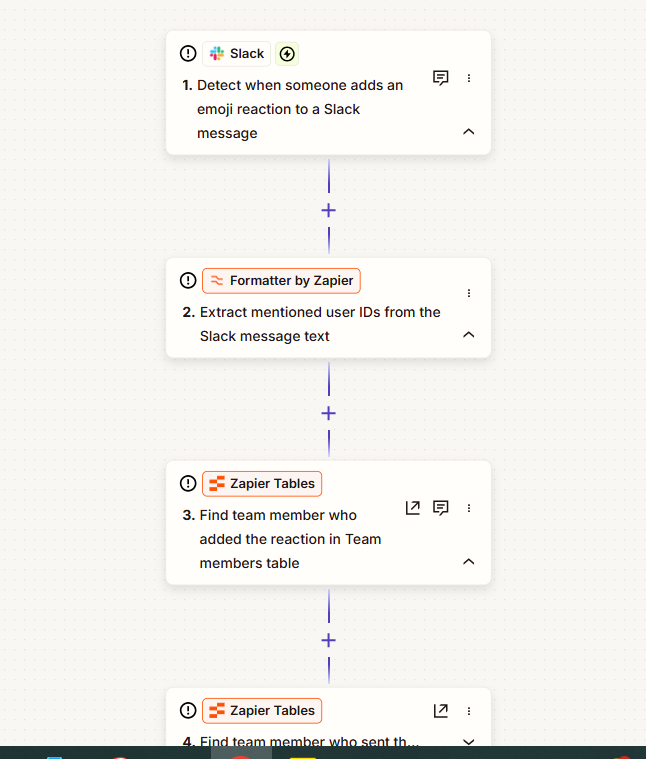
Zapier is a no-code automation platform that connects over 8,000 apps so one action in one tool (a new form submission, a signed contract, a paid invoice) can automatically trigger a chain of actions in others (a welcome email, a Slack message, a CRM record). It’s built for people who don’t want to write code or manage servers — you pick a trigger, pick one or more actions, map the fields between them, and turn it on. For remote teams and small agencies, it’s usually the tool that quietly runs client onboarding, lead routing, reporting, and a dozen other background chores nobody wants to do by hand.
Key Features
- 8,000+ app integrations: the largest native library in the category, roughly 3x Make’s and far ahead of most workflow tools — the biggest reason people choose Zapier over anything else.
- Multi-step Zaps with filters and paths: chain dozens of steps together, branch on conditions, and stop irrelevant records before they trigger downstream actions (Professional plan and up).
- AI Copilot and AI by Zapier: describe a workflow in plain English and Copilot drafts the Zap for you; AI fields let you summarize, classify, or extract data mid-workflow without a separate tool.
- Tables and Interfaces: a lightweight built-in database and simple front-end forms/pages, so small teams can skip adding Airtable or a form tool just to feed a Zap.
- Zapier Agents: autonomous AI agents that monitor a source (like an inbox) and take multi-step action on their own, billed separately from regular Zap tasks.
Pricing

Zapier prices on two axes: your plan tier (which sets your feature set) and your task tier (a monthly allowance of “tasks” — every successful action a Zap performs). The table below shows entry pricing for each plan tier; task allowances scale up from there (all the way to 2 million tasks/month on self-serve pricing) at a higher monthly cost.
| Plan | Price (billed annually) | Tasks/mo | Best For |
|---|---|---|---|
| Free | $0 | 100 | Testing a single 2-step Zap before committing |
| Professional | $19.99/mo | 750 (scales up to 2M) | Solo operators running multi-step Zaps |
| Team | $69/mo | 2,000 (scales up) | Up to 25 users sharing Zaps and app connections |
| Enterprise | Custom | Custom (annual pool) | Orgs needing SSO/SCIM, governance, and a dedicated account manager |
Two things to budget for before you commit: monthly billing costs roughly 50% more than annual (Professional is $29.99/mo billed monthly vs. $19.99/mo billed annually), and task usage adds up faster than it looks — a 5-step Zap burns 5 tasks per run, so three Zaps running 50 times a day can chew through 750 tasks in a single day. AI Agents and Chatbots are billed on a separate track starting around $33.33/month and $13.33/month respectively — they are not included in the base Zap task allowance.
Pros and Cons

✅ Pros
- 8,000+ native app integrations — the deepest library in the category, so you’re rarely stuck without a connection
- Genuinely the fastest way to get a first automation running with zero coding knowledge, usually in under 5 minutes
- AI Copilot drafts working Zaps from a plain-English description, which shortens setup time noticeably
- High uptime and stable connections make it reliable enough for client-facing, time-sensitive workflows
❌ Cons
- Per-task pricing climbs fast — a busy multi-step Zap can quietly turn a $20 bill into a $300+ one within months
- The Professional plan caps out at 1 user; adding a second person forces a 3.5x jump to the Team plan
- Complex data work — looping, splitting, and recombining records mid-workflow — is clumsier here than in Make’s visual builder
- AI Agents and Chatbots are billed separately from regular Zap tasks, so the advertised base price rarely covers a full AI-enabled setup
Who It’s For
Zapier is the right call for solo remote workers, freelancers, and small agencies who need to connect mainstream apps (Gmail, Slack, Google Sheets, Stripe, CRMs) without hiring a developer, and who are running a handful of Zaps at moderate volume — think low hundreds to low thousands of tasks a month. It’s less of a fit for teams running high-volume automations (tens of thousands of tasks/month), where the per-task pricing gets genuinely expensive, or for anyone who needs heavy data transformation (looping over line items, merging multiple data sources mid-flow) that a visual node-based builder handles more gracefully.
Alternatives to Consider
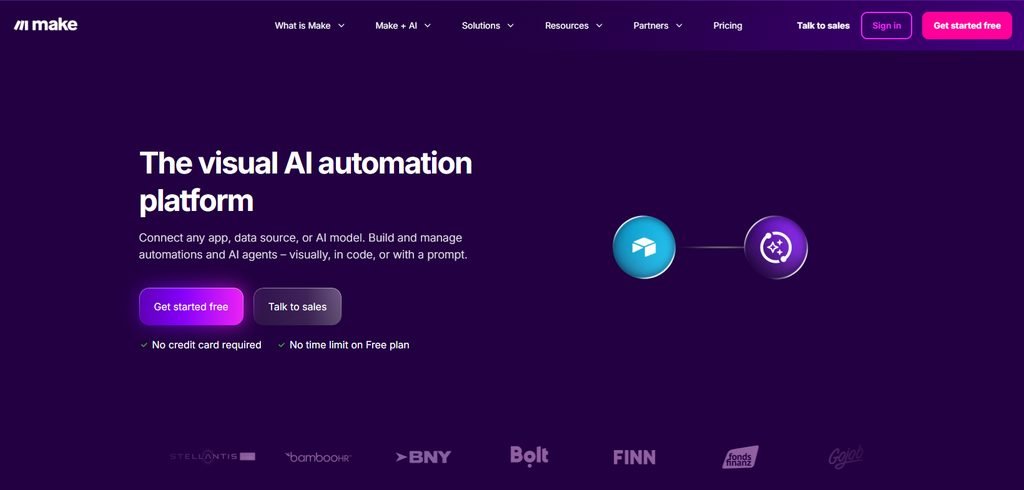
- Make (formerly Integromat) — bills per “credit” instead of per task, with entry pricing around $10.59/mo for 10,000 credits; its visual, node-based canvas handles branching and complex data reshaping more gracefully, at a noticeably lower cost per operation, but has a steeper learning curve for non-technical users.
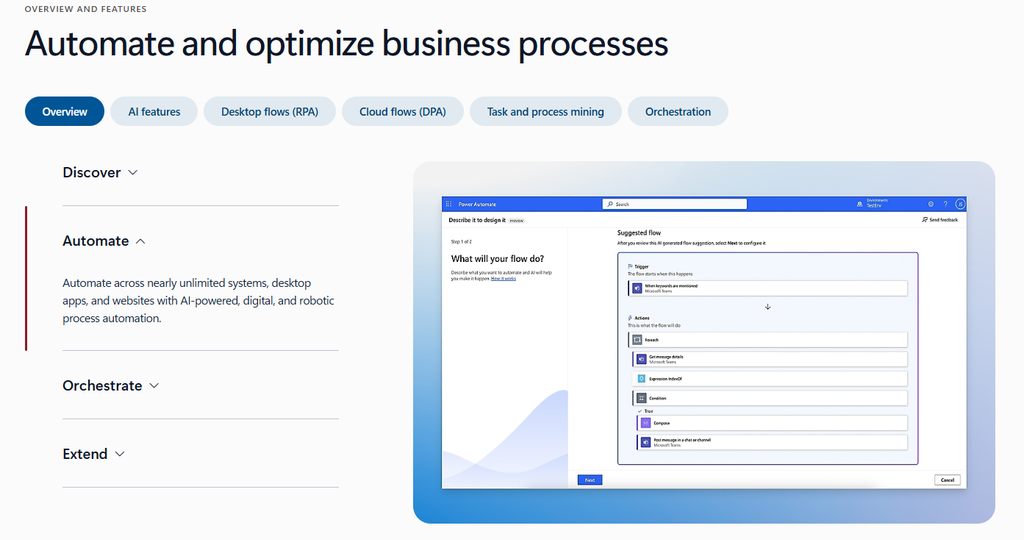
- Power Automate — the natural choice if your team is already paying for Microsoft 365, since it’s bundled in at several license tiers and integrates deeply with Teams, SharePoint, and Outlook; less useful outside the Microsoft ecosystem.
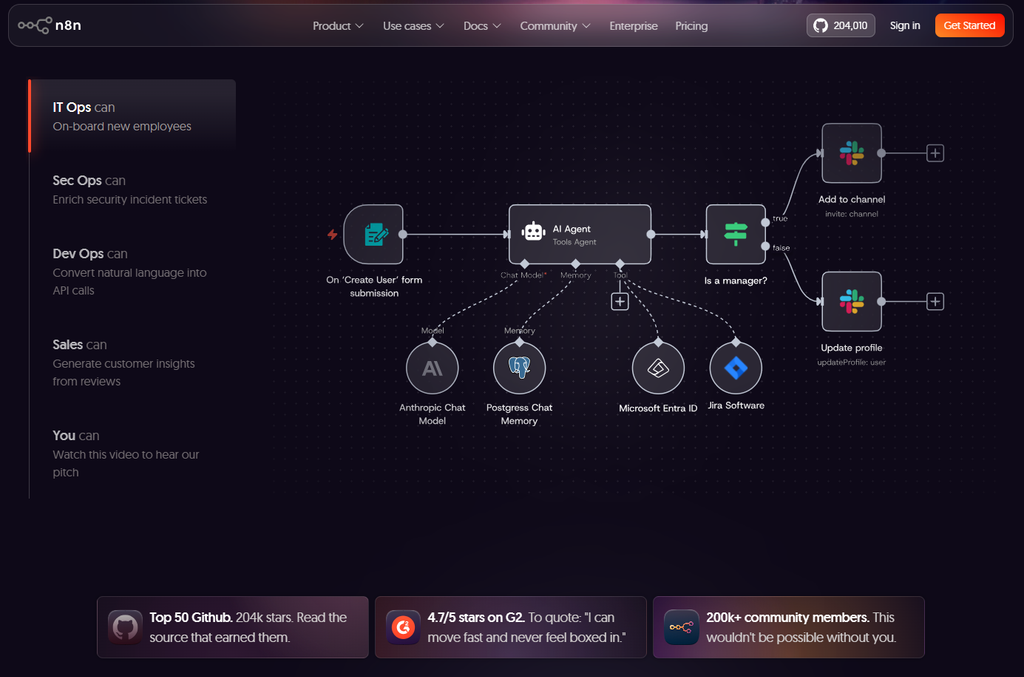
- n8n — the only self-hostable option among the major players, free for unlimited executions if you run it yourself; the best fit for technical teams that want automation data to stay inside their own infrastructure or want deep AI-agent building blocks.
Final Verdict
Zapier is still worth it in 2026 if you value breadth of integrations and setup speed over the lowest possible per-task cost — for a solo operator or small team running a handful of Zaps at moderate volume, $19.99–69/month is a fair trade for hours of manual work saved every week. It’s a harder sell once your volume climbs into the thousands of tasks a month, where Make’s credit-based pricing or a self-hosted n8n instance will save real money for teams willing to accept a steeper learning curve. Rating: 4.2/5 — the safest default, not always the cheapest one.
Disclosure: This review is based on Zapier’s publicly published pricing and features as of September 2026, cross-referenced against independent 2026 reviews and pricing breakdowns.