
Your writer drafts a customer email that sounds like your brand. Your ops manager drafts a customer email using ChatGPT and it sounds like every other company’s ChatGPT output — competent, generic, and slightly off. Multiply that by five people on a distributed team, each with their own prompting habits, and your brand voice turns into five different voices wearing the same logo.
The fix isn’t “use AI less” or “hire an editor for everything.” It’s building a workflow where the brand voice lives in a reusable artifact — not in one person’s head or one person’s prompting skill — and every draft, from any team member, runs through the same setup before it reaches a human editor. This guide walks through building that workflow in ChatGPT, step by step.
What You’ll Build
- A written “brand voice block” extracted from your own best content, not a vague vibe
- A ChatGPT Project (or Custom GPT) that holds that voice block, your style rules, and reference examples permanently
- A content brief template so every piece starts with the same inputs, regardless of who’s writing it
- A five-stage draft-to-publish pipeline your whole team can run the same way
- A brand-voice QA checklist that catches “sounds like ChatGPT” drift before it ships
Time to set up: ~60 minutes · Cost: $0 to test on the free tier, $20/user/month for the full setup (ChatGPT Plus) · Skill level: no code required
Step 1: Extract Your Brand Voice Into a Written Block
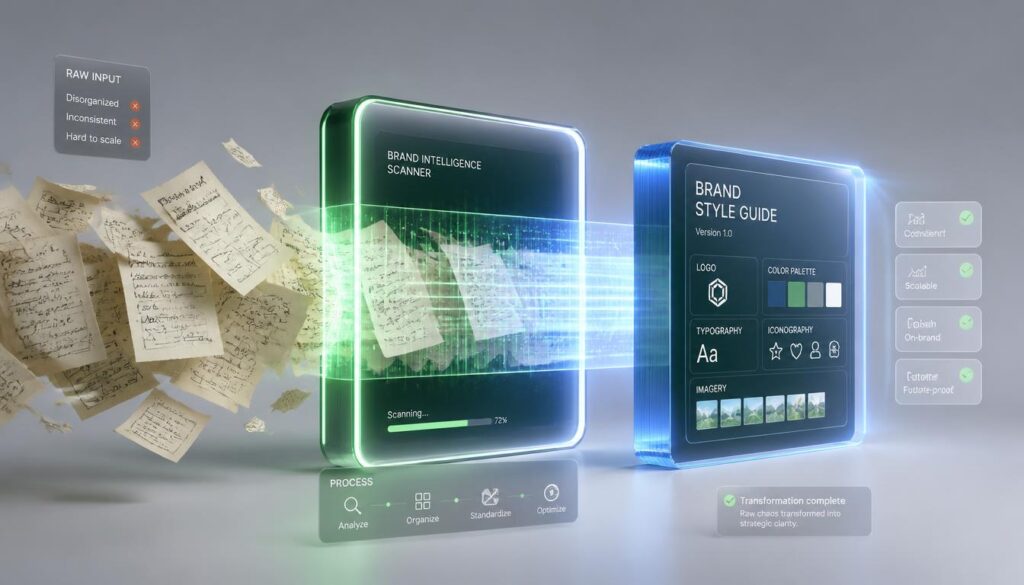
“Write in our brand voice” means nothing to a language model — it’s not a fact, it’s a feeling only you can currently recognize. The fix is to convert that feeling into an explicit, labeled specification the model can actually follow as a constraint instead of a suggestion.
- Pick 3–5 samples. Choose your best-performing or most “on-brand” pieces — blog posts, emails, social captions, whatever represents how you actually want to sound. Quality over quantity; five great samples beat twenty mediocre ones.
- Paste them into ChatGPT and ask it to extract rules, not vibes. Use a prompt like: “Read these samples and extract concrete, labeled style rules under these headings: Tone, Vocabulary (words we use / words we avoid), Sentence structure, Formatting habits, Things we never do. Be specific — not ‘friendly tone’ but the actual sentence patterns that create it.”
- Edit the output yourself. The first pass will be close but not perfect — tighten anything vague, add a rule the model missed, and cut anything that doesn’t actually match your samples.
- Save it as a standalone document. This “voice block” is now a company asset, not a one-off chat. Keep it in a shared doc your whole team can find.
This is the single highest-leverage step in the whole workflow. A structured style spec — explicit, labeled blocks the model treats as hard constraints — consistently outperforms an unstructured “sound like us” instruction, because the model has something concrete to check its own output against.
Step 2: Set Up a Permanent Workspace (Project or Custom GPT)
Don’t paste your voice block into a fresh chat every time — that’s how the workflow quietly falls apart within a week. ChatGPT gives you two ways to make it permanent, and they solve different problems:
| Feature | Best for | How it works |
|---|---|---|
| Project | Ongoing, evolving work you return to daily (this month’s blog calendar, an active campaign) | A persistent workspace holding files, instructions, and shared context across every chat inside it — available from Free up through Enterprise, with file limits and features scaling by tier |
| Custom GPT | A single repeatable task everyone on the team runs the same way (“draft a client follow-up email,” “write a product update”) | A packaged assistant with fixed instructions and reference files, shareable with your whole workspace so nobody has to rebuild the setup |
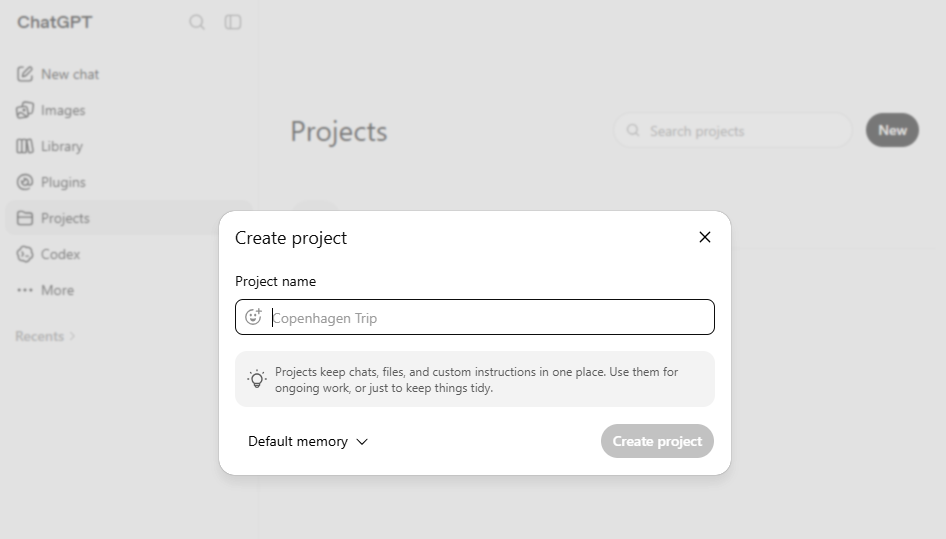
Most content teams end up using both: a Project for the current content cycle, and one or two Custom GPTs for the highest-volume repeatable tasks (client emails, social captions). To set either up:
- Create the Project or Custom GPT and paste your voice block into its instructions field — this is what makes it apply automatically, every time, without anyone retyping it.
- Upload 2–3 of your original sample pieces as reference files, so the model has real examples to pattern-match against, not just abstract rules.
- Also set your account-level Custom Instructions with the short version of your voice rules — the two custom-instruction fields are capped at roughly 1,500 characters (about 200 words) each, so this is a backstop for chats outside the Project, not a replacement for it.
- If your team is on a paid workspace, share the Project or Custom GPT with everyone who writes customer-facing content — that’s what turns “my personal ChatGPT setup” into a team system.
Step 3: Build a Content Brief Template
Inconsistent output is often a brief problem, not a model problem — if five people give ChatGPT five different amounts of context, they’ll get five different qualities of draft even with the same voice block loaded. Standardize the input with a short template everyone fills in before generating anything:
- Goal: what this piece needs to accomplish, in one sentence
- Audience: who’s reading it and what they already know
- Key points: the 3–5 facts or arguments that must appear
- Format: length, structure, and where it’s being published
- Call to action: what you want the reader to do next, if anything
Save this as a text snippet or a pinned message in your Project so it’s one paste away, not something people rebuild from memory each time.
Step 4: Run the Five-Stage Draft Pipeline

Once the voice block and brief template exist, the actual content production follows the same five stages every time, whether it’s a blog post or a client email:
- 1. Brief: fill in the template from Step 3 inside your voice-loaded Project.
- 2. Draft: generate the first pass. Don’t ask for a perfect final draft in one shot — ask for a structured outline first, approve or edit it, then ask for the full draft from that outline. This catches structural problems before you’ve spent time polishing prose you’ll cut anyway.
- 3. Edit: give targeted revision instructions, not vague ones. “Shorten the second section by a third and cut the corporate-sounding intro line” gets a far better result than “make it better” — specific, targeted requests consistently outperform broad ones.
- 4. Repurpose: once the piece is approved, ask the same Project to turn it into a social caption, an email blurb, or a Slack announcement — reusing the approved draft keeps every downstream version consistent with the source instead of independently drifting.
- 5. Publish: a human does the final read and hits publish. AI drafts the middle of the pipeline; a person still owns what goes out under the brand’s name.
Step 5: Add a Brand-Voice QA Check Before Anything Ships
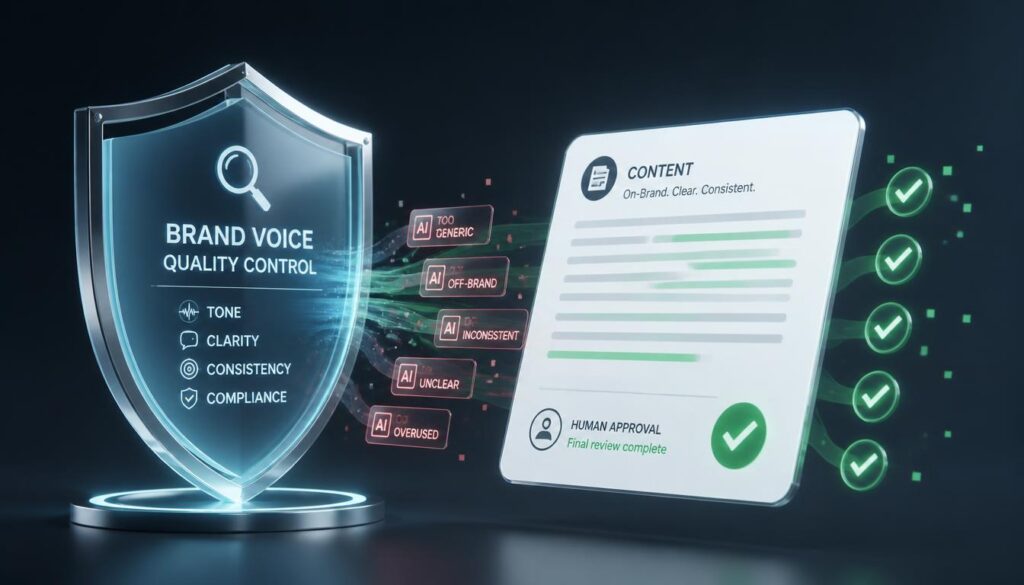
Even with a voice block loaded, drift creeps in on longer or heavily-edited pieces. Add one final check before anything publishes — either a human skim against a short checklist, or a last ChatGPT pass asking it to flag violations of its own instructions:
- Does this use any words or phrases from the “words we avoid” list in the voice block?
- Are there generic AI-tell phrases (“in today’s fast-paced world,” “unlock the power of”) that don’t appear in any of the original samples?
- Does the sentence structure match the rhythm of your samples, or does it read noticeably more uniform/robotic?
- Are all facts, numbers, and claims verified against a real source — never trust AI-generated statistics or quotes at face value?
Common Mistakes to Avoid
- Describing your voice instead of specifying it. “Professional but friendly” tells the model nothing actionable. Extracted, labeled rules from real samples do.
- Rebuilding the setup from scratch every session. If your voice block isn’t saved in a Project, Custom GPT, or at minimum a pinned snippet, you’re relying on everyone remembering to paste it — and someone won’t.
- Asking for a full final draft in one shot. Outline first, then draft, then edit. Skipping the outline step means bigger rewrites later.
- Publishing without a human read. AI drafting is not AI publishing. Keep a person accountable for the final version, every time.
- Letting the voice block go stale. Revisit it every quarter or so as your brand evolves — a voice document from a year ago won’t match how the team writes today.
FAQ
Do I need ChatGPT Plus to build this workflow?
You can build and test the voice block and brief template on the free tier. Projects are available across every tier including Free, though file limits and advanced features scale up on paid plans. For a team rolling this out across multiple writers with shared Projects and admin controls, ChatGPT Business ($20/user/month billed annually, or $25/month month-to-month, 2-seat minimum) is the more realistic long-term home.
Should I use a Project or a Custom GPT?
Use a Project for ongoing work you return to over weeks or months, like a content calendar or an active campaign. Use a Custom GPT for a single task your team runs the same way over and over, like drafting client follow-up emails. Many teams end up with one Project for current work and a couple of Custom GPTs for their highest-volume repeatable tasks.
How do I stop content from “sounding like ChatGPT”?
Generic AI phrasing shows up when the model has no real style constraint to work against. A voice block built from your own samples — with explicit vocabulary and sentence-structure rules — closes most of that gap. The QA check in Step 5 catches what slips through.
Will this hurt my SEO since the content is AI-assisted?
No — search engines don’t penalize content for being AI-assisted, they penalize content that’s low-quality, unoriginal, or unhelpful regardless of how it was produced. A workflow with a real editing and fact-check pass, like the one in this guide, produces content that performs the same as human-only writing.
Related reading: for a wider look at how ChatGPT compares to Claude, Notion AI, Jasper, and other tools in this category, see AI Writing Tools for Remote Teams: The Complete 2026 Guide.
The Bottom Line
Brand voice doesn’t survive AI adoption by accident — it survives because someone wrote it down, loaded it into a permanent workspace, and built a checklist that catches drift before it publishes. Extract the voice block once, set up the Project or Custom GPT, standardize the brief, and run every piece through the same five stages. That’s the whole system, and unlike a single clever prompt, it still works the fifth time, the fiftieth time, and with the third new hire who’s never met your brand before.